
AI stopped being a side experiment in 2025. In 2026 it sits inside the tools most teams already use every day: email, docs, design apps, code editors and CRMs. The people getting ahead are not the ones who know the most AI trivia. They are the ones who know how to put AI to work on real tasks, check its output and build simple systems around it.
We use AI across our own design and development work at Soft Tech Gen, and we help clients bring it into theirs. These are the five skills we see making the biggest difference this year, whether you are a founder, marketer, designer or developer.
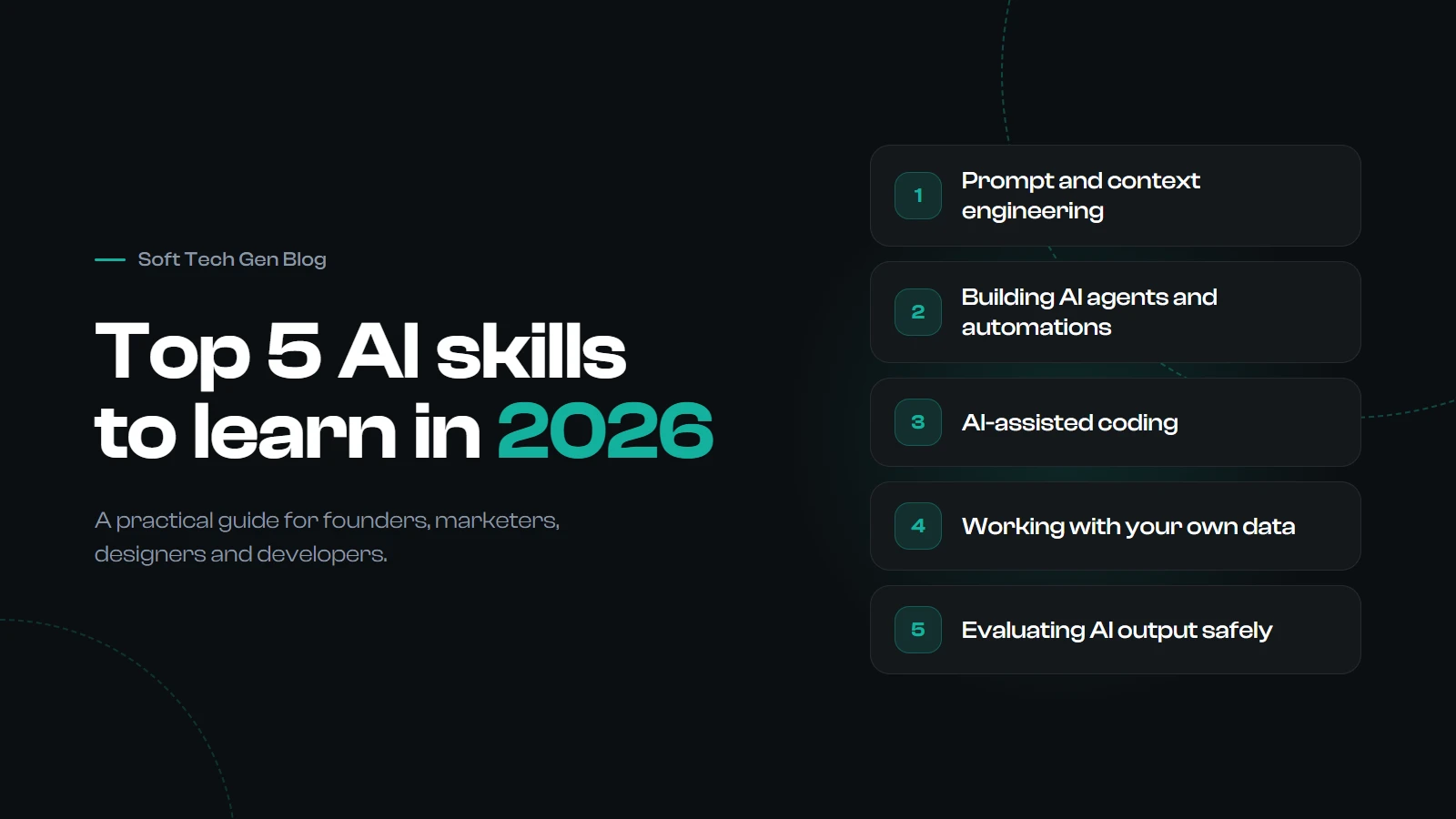
1. Prompt and context engineering
A good prompt is no longer a clever one-liner. Modern models like Claude, ChatGPT and Gemini do their best work when you give them the right context: who the audience is, what a good result looks like, examples to follow, the files or data they should use and the format you want back.
This is why the skill is now often called context engineering. The quality of the answer depends far more on what you put in front of the model than on magic words.
How to build it
- State the goal, the audience and the constraints before the task itself.
- Show one or two examples of the output you want instead of describing it.
- Ask for structured output, such as a table, JSON or a fixed set of headings, when the result feeds another step.
- Save the prompts that work as reusable templates for your team.
2. Building AI agents and automations
The biggest shift of the past year is from chatting with AI to letting AI take actions. An AI agent can read an inbox, update a spreadsheet, draft a reply, file a ticket or run a series of steps on its own, then hand the result to a person for approval.
You do not need to be an engineer to start. Workflow tools such as n8n, Zapier and Make now include AI steps, and open standards like the Model Context Protocol (MCP) let assistants connect to apps like your CMS, CRM or project tracker in a consistent way.
How to build it
- Pick one repetitive task you do every week and map its steps on paper first.
- Automate it with a no-code tool, keeping a human approval step before anything is sent or published.
- Learn the basics of tools, triggers and permissions: what the agent is allowed to do and what it is not.
3. AI-assisted coding
Coding assistants such as Claude Code, Cursor and GitHub Copilot can now plan a feature, edit several files, run tests and explain unfamiliar code. Developers use them to move faster. Non-developers use them to build small internal tools, landing pages and scripts that once needed a full project.
The skill is not typing less. It is directing and reviewing: breaking work into clear steps, giving the assistant the right files and checking every change before it goes live. AI-written code still needs testing, security review and someone who understands what it does.
How to build it
- Learn enough of one language (JavaScript or Python is a good start) to read code, even if you rarely write it from scratch.
- Use version control (Git) so you can review and undo what the assistant changes.
- Ask the assistant to write tests and explain its changes, then actually read them.
4. Working with your own data
A general AI model knows a lot about the world and nothing about your business. The real value appears when it can use your documents, product catalogue, support history or sales data. The common way to do this is retrieval-augmented generation (RAG): the system finds the most relevant pieces of your information and gives them to the model with each question.
You do not need to build this from scratch to benefit. Knowing how it works helps you organise your content, pick the right tools and spot when an answer is based on outdated or missing data.
How to build it
- Clean up and centralise the documents your team relies on. AI is only as good as what it can find.
- Learn the basics of spreadsheets, simple SQL and data visualisation so you can question the numbers AI gives you.
- Try a project or knowledge-base feature in your AI tool of choice and test it with real questions from your work.
5. Evaluating AI output safely
AI can sound confident and still be wrong. It can invent sources, miss a legal detail or follow hidden instructions planted in a web page or document (known as prompt injection). As more work runs through AI, the people who can judge and verify its output become the most valuable people in the room.
This skill also covers privacy and compliance: knowing what data you can share with which tool, and keeping up with rules such as the EU AI Act as they come into force.
How to build it
- Check facts, numbers and quotes against the original source before you publish or send anything.
- Create a short checklist for each AI task you repeat: what must be true for the output to be usable?
- Agree as a team on which tools are approved and what customer or company data must never be pasted into them.
Where to start this month
You do not need to master all five at once. A simple four-week plan works well:
- Week 1: Use one AI assistant every day for real work and save your best prompts.
- Week 2: Automate one small, repetitive task with an approval step.
- Week 3: Connect AI to a set of your own documents and test it with real questions.
- Week 4: Write a one-page checklist for reviewing AI output and share it with your team.
Frequently asked questions
Do I need to learn programming to use AI well?
No. Prompting, automation with no-code tools and evaluating output need no programming at all. Basic coding knowledge does help you get much more out of AI coding assistants and automations, so it is worth learning the fundamentals over time.
Which AI skill should a small business learn first?
Start with prompt and context engineering, because it improves every other AI task. Next, automate one repetitive workflow so you see real time savings quickly.
Will AI replace designers and developers?
AI is changing how design and development work gets done, but it still needs people to set direction, make judgment calls and take responsibility for the result. Professionals who learn to work with AI are the ones best placed to benefit from it.
Want help bringing AI into your website, app or daily workflow? Talk to the Soft Tech Gen team about your project.